
Choose what to share.
Select dining and tour options for the trip. Add your notes, including why you think each one is a good fit.
We’re two working advisors who got tired of juggling concierge PDFs, DMC lists and client texts. Wander Window keeps your dining and tour picks in one place, shares them in a way clients actually respond to, and shows you which options they prefer before you book anything.
Join the waitlist Try the client viewHi Johnny, your dinner at Cafe Bebe and private farewell dinner are already arranged. For Wednesday, I’d suggest Osteria della Rosa in Trastevere. It has handmade pasta and a small terrace, with the atmosphere David is looking for. Would you like me to request a table for the four of you around 8?
Tommy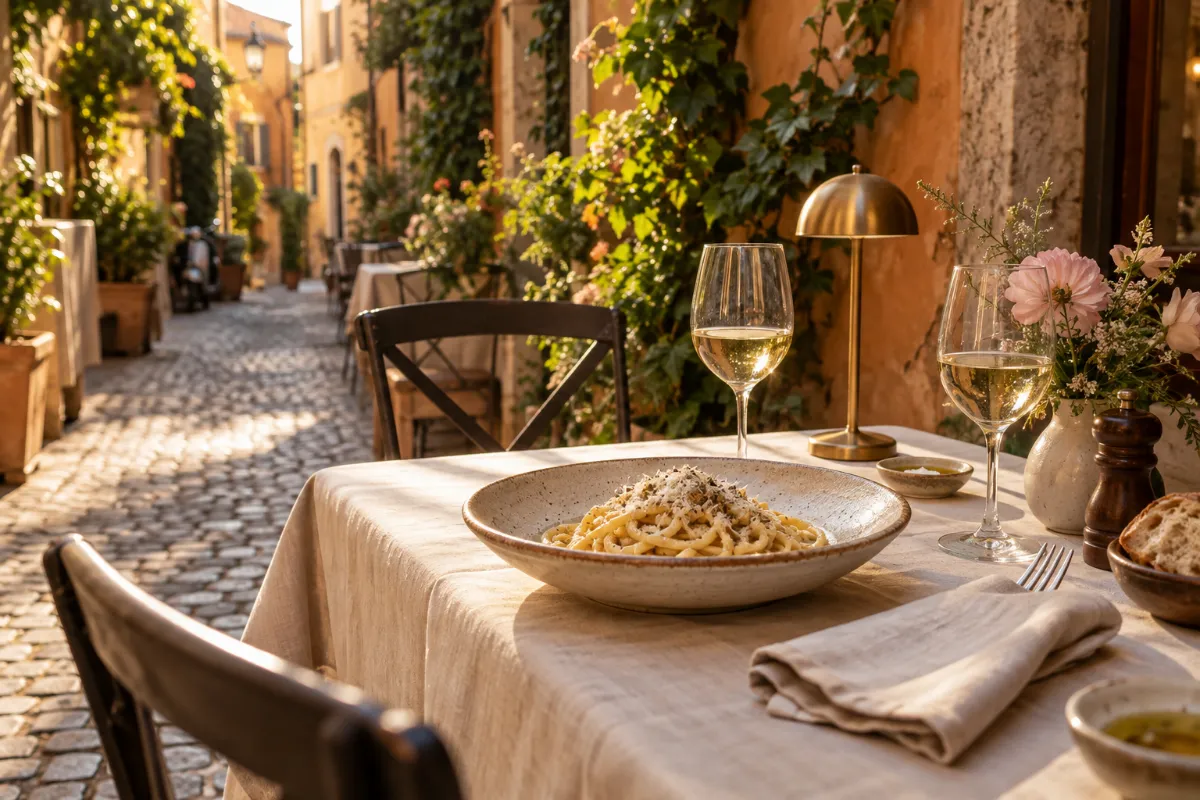
Recommended by Rebecca
Handmade pasta and a small terrace for dinner after your afternoon of shopping. I thought David would appreciate the setting.
Would you like me to request a table?
Every recommendation you save is one you won’t have to dig up again.
Hi Tommy,
For the Roses’ open evening on Wednesday, I’d suggest Osteria della Rosa in Trastevere. They serve handmade pasta and have a small terrace. Cafe Bebe is another option, with a seasonal Roman menu.
Let me know which appeals to them and we can check availability for four around 8.
No more scrolling back through a week of texts to figure out which dinner they wanted.
Select dining and tour options for the trip. Add your notes, including why you think each one is a good fit.
Clients review your recommendations and tell you what appeals to them. You can also copy a shortlist into an email if that works better for the conversation.
Use their responses to plan the next steps. You confirm availability and make the bookings.
See how recommendations, client responses and destination ideas come together in the app.
A photo, the details and your reason for recommending it, with a clear way to respond.

Not every hour needs a reservation. Give clients your favorite gelato stop and a walk worth taking for the afternoon they leave open.
Share destination information, restaurant favorites and experiences in a guide clients can refer to during their trip.
Help clients find places they’d like to visit, build a walk and open their route in Google Maps.
Reuse supplier material and ideas you’ve collected, then choose what makes sense for each trip.
Bring in one concierge list, share a few picks and see how your clients respond.
Explore the Roses’ Rome trip, then try it with your own clients and destinations.
Join the waitlistHave a personal invitation? Open it from your email to create your account.
Already invited? Log in ↗
Professional travel advisors and their teams. Advisors use the workspace to organize recommendations and collect client preferences. Clients access the trip through an invitation from their advisor.
We’re currently running a private advisor beta. Join the waitlist and we’ll email you a personal invitation when your spot is ready. If you’ve been invited, follow the link in your invitation email to create an account, verify your email and set up your business. If you already have an account, log in.
Yes. Choose your dining or tour recommendations, add your notes, then review and copy the shortlist into an email. If you’d like clients to respond through Wander Window and keep their preferences with the trip, share client decision cards.
You can bring in recommendation lists from hotel concierges and destination management companies. Review the extracted details, then choose what to save to your catalog or use in client recommendations.
Yes. Approved members of a dining network can discover reviewed restaurant recommendations shared by other advisors, save favorites and submit their own ideas for review. Your team’s private notes, client details and trips stay with your team.
No. It tells you they’re interested. You still need to confirm availability and make the booking.
Clients can explore the dining and tour recommendations you share, along with the Field Guides and Down Time planning available for their trip.
To access their full trip, Field Guides and Down Time, yes. Your invitation guides them through account setup; returning clients can sign in. If you send a personal reply link for dining or tour options, they can review those options and send their preferences without creating an account. That link only gives access to the options you share.